Be The Biggest Streamer November 2026 Update Notes
What changed around mid-November 2026 and what every streamer should re-test.
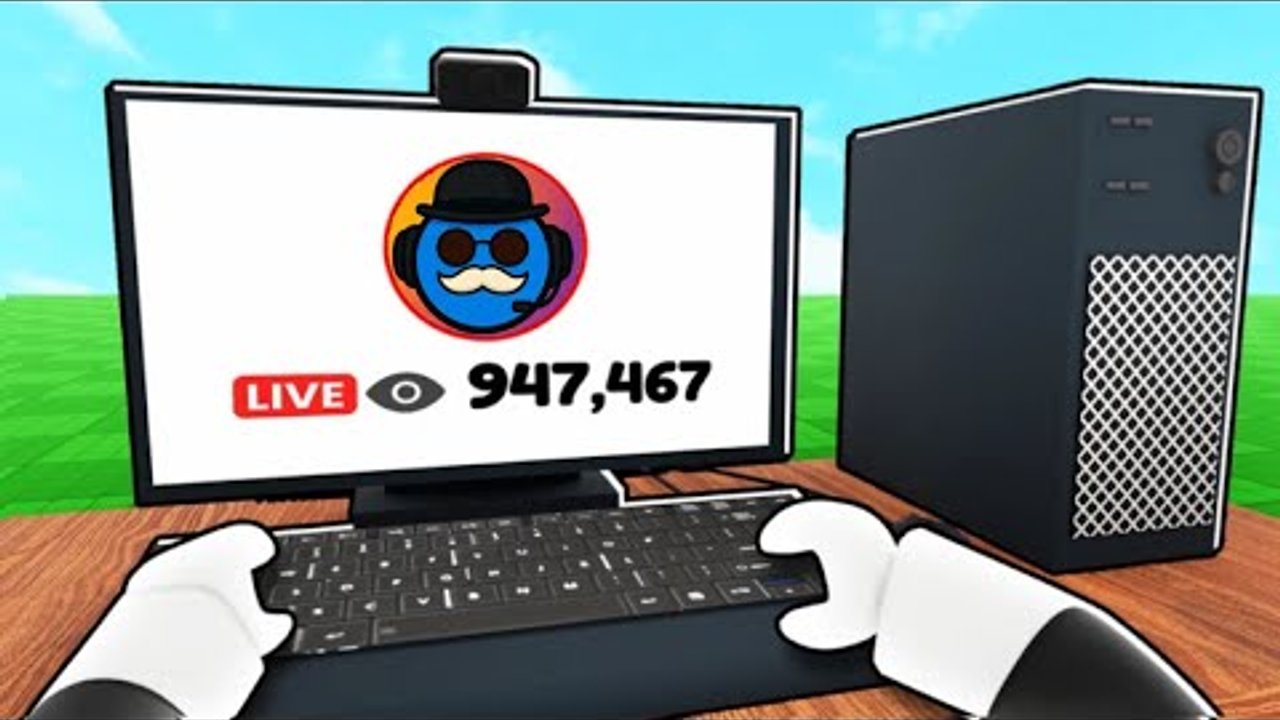
This page tracks the November 2026 patch window for Be a Streamer! by Virus Simulators—the experience behind Be The Biggest Streamer. Roblox listed meaningful activity around 16 November 2026. Use these notes as a player checklist, not a substitute for Virus Simulators group shouts. Always cross-check the live Updates Hub and Official Links.
Snapshot — mid-November 2026
| Fact | Status going into this window |
|---|---|
| Experience | Be a Streamer! (place 119126689474503, universe 8984078588) |
| Last notable update stamp | ~16 November 2026 on Roblox listings |
| Scale (order of magnitude) | ~13.7M visits / ~50k favorites (live counters move) |
| Server size | Max 4 players |
| Release era | Launched ~19 October 2025, still in active post-launch life |
Exact visit/favorite numbers change daily—treat them as popularity context, not quest requirements.
Milestone set — still the fame roadmap
Unless a patch note explicitly retunes thresholds, keep playing toward the same likes gates this wiki documents:
| Likes (approx.) | Unlock | Guide |
|---|---|---|
| 1,000 | Mansion (called out as OUT NOW in milestone marketing) | Mansion Guide |
| 5,000 | Outside streams | same guide |
| 50,000 | Company building | same guide |
After any November hotfix, open your HUD and confirm the numbers still match. If Virus Simulators retunes a gate, trust the live UI and update your personal notes.
Systems that should still exist
Re-verify these loops still behave after mid-November patches:
- LIVE → chat replies → donations / followers / subscribers / viewers
- Mailbox cash between streams
- Shop pillars: unlimited segments, 2x faster segments, auto collect subscribers, streamer rewards, legendary setups (Shop Upgrades)
- Viral clips + clip sponsor company logo deal (Viral Clips)
- Streamer Awards event flow (Streamer Awards)
- Staff hires and setup niches ranked on the Tier List
- Rebirth multipliers and rebuy pacing (Rebirth Guide)
If a submenu moved, screenshot it and adjust muscle memory—UI shuffle is the most common “the game feels broken” false alarm.
What players should re-test after patches
Work this list on a fresh server join:
- Boot & HUD — LIVE button, chat prompts, mailbox, shop, hire menu all visible.
- Economy sample — one short LIVE with replies; confirm cash and social stats increment.
- Shop prices — spot-check segment speed / unlimited / auto collect costs vs your notes.
- Staff & setups — reseat one specialist; confirm bonuses still apply.
- Likes gates — verify mansion / outside / company progress text.
- Clips / awards — if you were mid-event, confirm prompts still open.
- Rebirth safety — if you planned a reset, confirm multipliers text before committing.
- Scripts — disable automation until authors catch up (Scripts Hub, Autofarm, Auto Collect).
Four-player etiquette still matters after patches—laggy remotes make griefing worse. See Players.
Codes status (November 2026)
There is still no verified public active codes list we are willing to publish as fact. Fake dumps circulate whenever a Roblox game updates. Our Codes Hub stays honest: check in-game entry UI and the Virus Simulators group, redeem only what you personally see, and ignore random “working 100%” pastes. Redemption steps: How to Redeem.
Scripts may break
Place updates commonly rename remotes or rearrange collection UI. Expect:
- Autofarm / inf cash packs to error until republished
- Auto collect helpers to miss mailbox or subscriber orbs
- Key-system scripts to fail their unlock flow
Scripts can ban — use at your own risk. Prefer manual play with the Guides Hub while you wait. When a loadstring works again, re-read safety notes before AFK farming overnight.
How this wiki reacts to November patches
- Facts stay aligned in
content/facts.json(updated date noted for this window) - Progression articles (Getting Started, Grow Viewers, mansion / rebirth / shop / clips / awards) keep the same milestone language until UI proves otherwise
- Script pages warn about breakage instead of promising eternal working status
- We refuse invented codes and fake YouTube IDs
Player action plan for the rest of November
- Read any group shout the day you see a Roblox “Updated” stamp.
- Run the re-test checklist above on a clean join.
- Push likes with real chat skill—patches rarely remove the need to answer messages.
- Spend windfalls using the shop priority ladder.
- Bookmark this page and the parent Updates Hub for the next hotfix.
November 2026 does not reinvent Be a Streamer!; it continues the post-launch season. Stay adaptable, verify gates in-HUD, and keep streaming like the milestones still matter—because they do.
Frequently Asked Questions
Quick answers to the most common questions.
When was the game last updated in November 2026?
Roblox activity around 16 November 2026 is the stamp this page tracks. Always confirm the live Updated label on the experience page.
Did mansion / outside / company likes change?
We still document ~1K / ~5K / ~50K likes. Re-check your HUD after patches in case Virus Simulators retunes a gate.
Are there new codes after the November update?
No verified public list. Use the Codes Hub guidance and official channels only—never trust random fake dumps.
Why did my script break mid-November?
Updates often break remotes. Stop the script, play manually, and wait for a maintained loadstring on the Scripts pages.
What should I do right after updating?
Rejoin a fresh server, test LIVE + mailbox + shop, confirm likes gates, then resume your guide checklist.